
Features
iMessage and text support is now available
You can now message Aftertone any time from iMessage or text. Add tasks, capture thoughts, and send things into Aftertone without needing to open the app.
Flow View is now available on Mac
Double-tap Command to bring up Flow View from anywhere on your Mac. Flow View gives you a fast way to start tasks, view your schedule, and access the most important parts of Aftertone without leaving what you are doing.
Menu Bar Task Timer is now available
Aftertone now includes a task timer in the Mac menu bar, making it easier to see what you are working on and stay connected to your current task from the toolbar.
Voice Mode is now available
Hold fn to use Voice Mode in Aftertone. You can add tasks, plan your day, schedule work, and capture ideas using your voice.
Improvements
Aftertone is faster to access from anywhere
This release makes Aftertone feel closer to your current workflow. Whether you are on your Mac, in Messages, using the menu bar, or speaking naturally, it is now easier to get things into Aftertone quickly.
Planning feels more natural
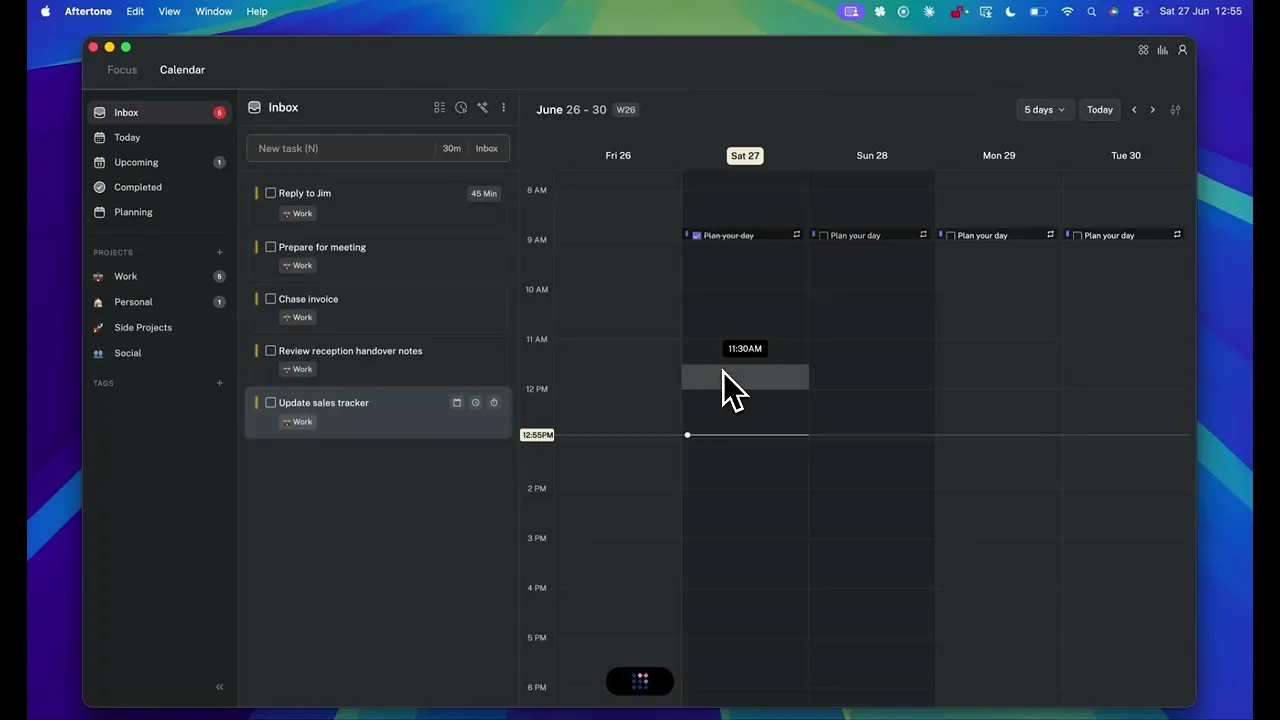
Voice Mode and Flow View make it easier to move from thought to plan without manually clicking through the app. You can capture, organise, and schedule work with less friction.
Task timing is more visible
The new menu bar task timer makes active work clearer, so you can stay aware of what you are doing without opening the full app.
Fixes
30+ bug fixes and reliability improvements
This release includes more than 30 fixes across Aftertone, improving stability, task handling, scheduling behaviour, keyboard interactions, and the overall Mac experience.